Scan any form. Fill any form.
Turn a photo of a paper form into a live, fillable web form in seconds — and let JQ fill out the forms you land on, privately, from details only you hold.
Paper form in, live web form out.
The Form Creator
A photo of a paper form becomes a hosted, shareable, fillable web form. Digitizing a form stops being an afternoon of copying field labels and becomes a single snapshot. Every scan is a reusable link — fill it many times, share it, or hand it to someone else.
The Form Filler
Keep a private notebook of your details and, on any web form, hit “Fill this page’s form.” JQ maps the fields and fills the empty ones for you to review. It never fills passwords or payment fields, and never submits for you.
From paper to a live form in three steps
Snap it
Take a photo of any paper form — an intake sheet, a registration page, a sign-up.
JQ rebuilds it
A vision model reads the fields and reconstructs them as a real web form. You review and tweak.
Share the link
Publish it and send the link. People fill it on any device; responses land back in your dashboard.
The two halves are one loop
A form you create with JQ is a normal web form — so the JQ extension fills it out for you, too. Scan a form once, and from then on it fills itself. Paper goes in; a live, self-completing form comes out.
Private by design
Your details stay on your device
Your notebook lives in your browser. When JQ maps a form, it sends the form’s field labels — never your saved values.
Never passwords or payment
Password, Social-Security, and payment-card fields are always skipped — on both the filler and the forms JQ builds.
You always review
JQ proposes; you confirm. It highlights what it filled and never submits a form on your behalf.
See it on a real form
No form handy? Try one of these sample scans in the Form Creator.
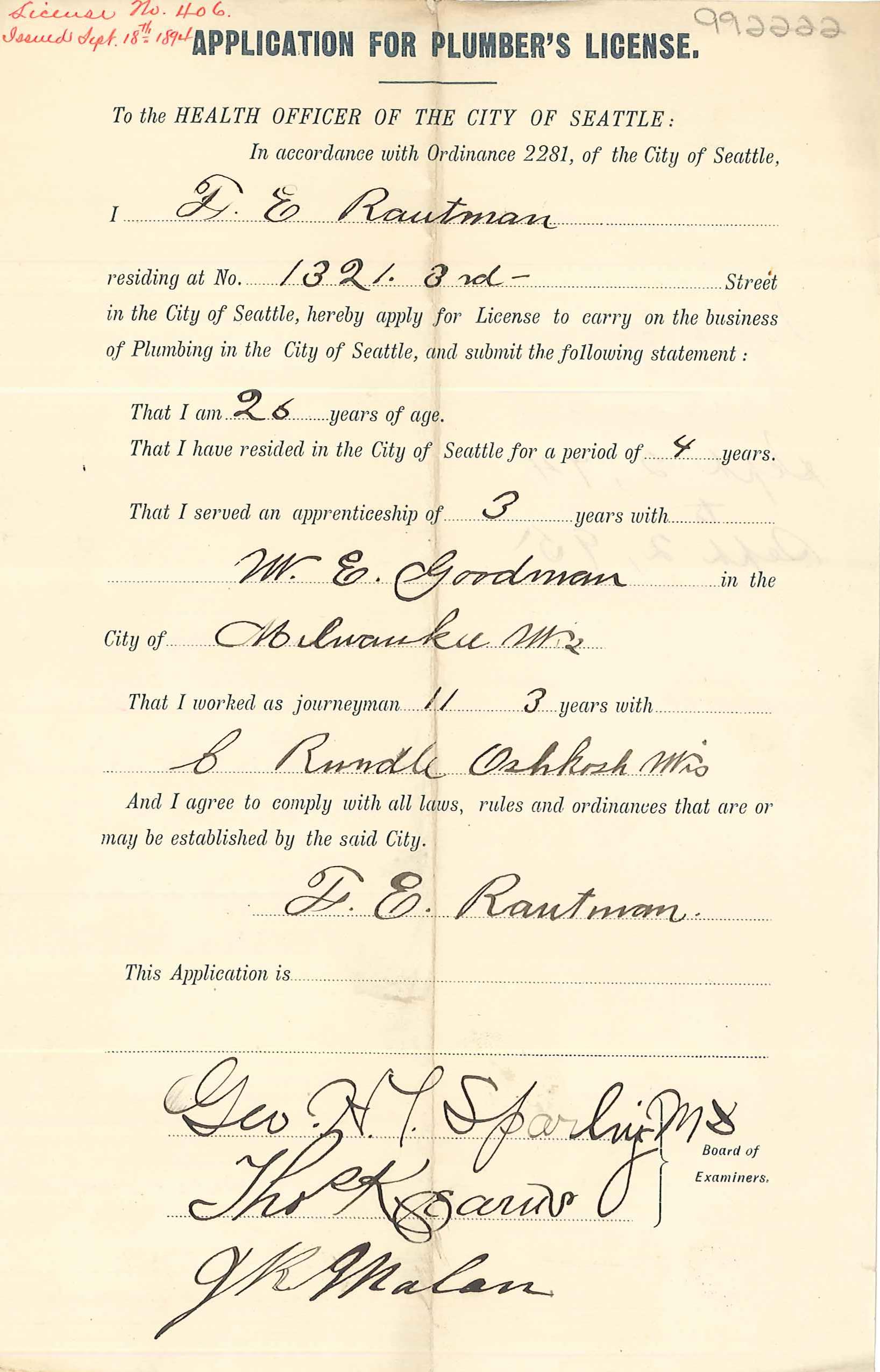
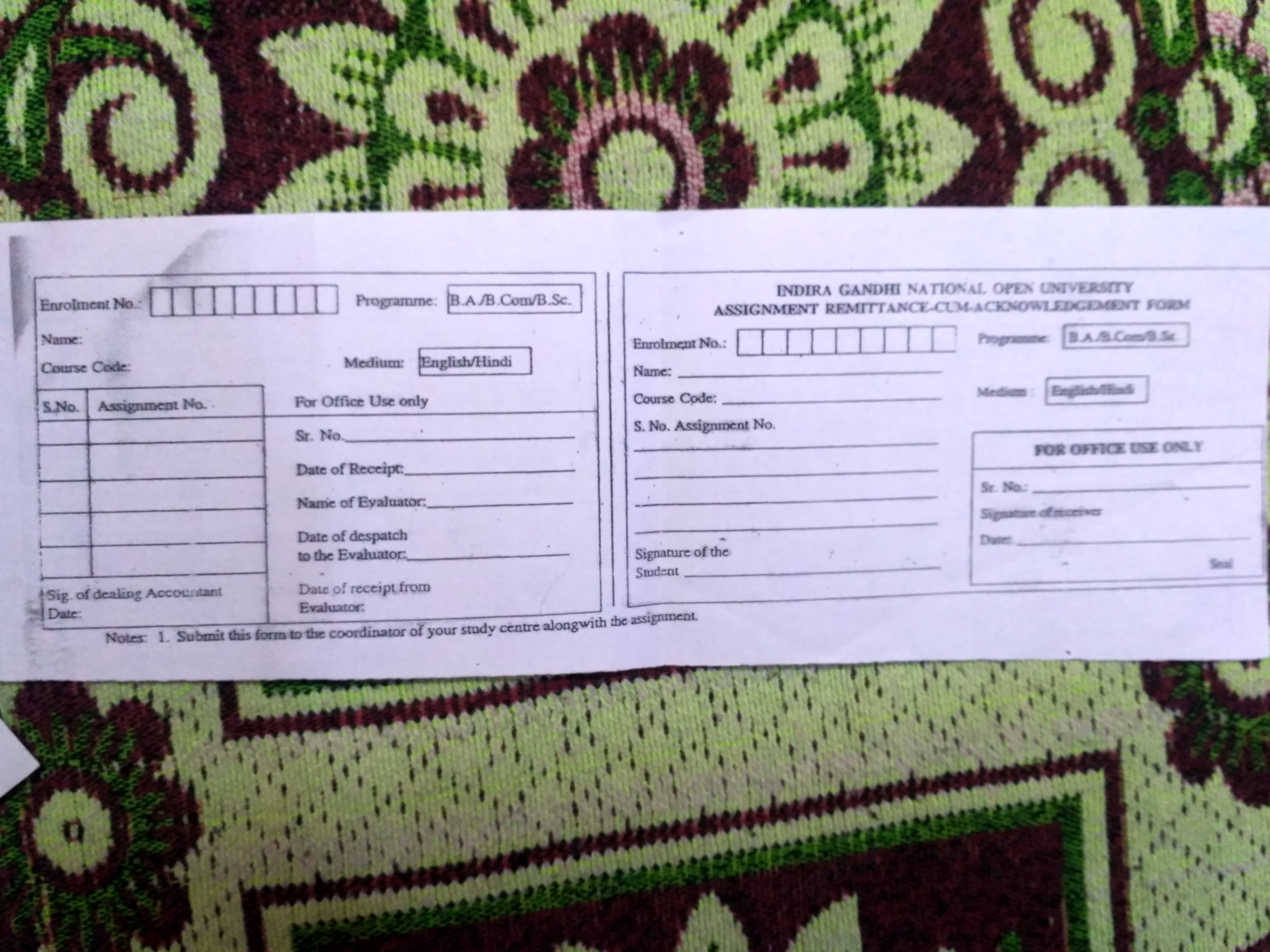
Example scans via Wikimedia Commons.
Give it your worst form.
Snap the one that’s been sitting on your desk. See it come alive as a link you can send.
Open the Form Creator